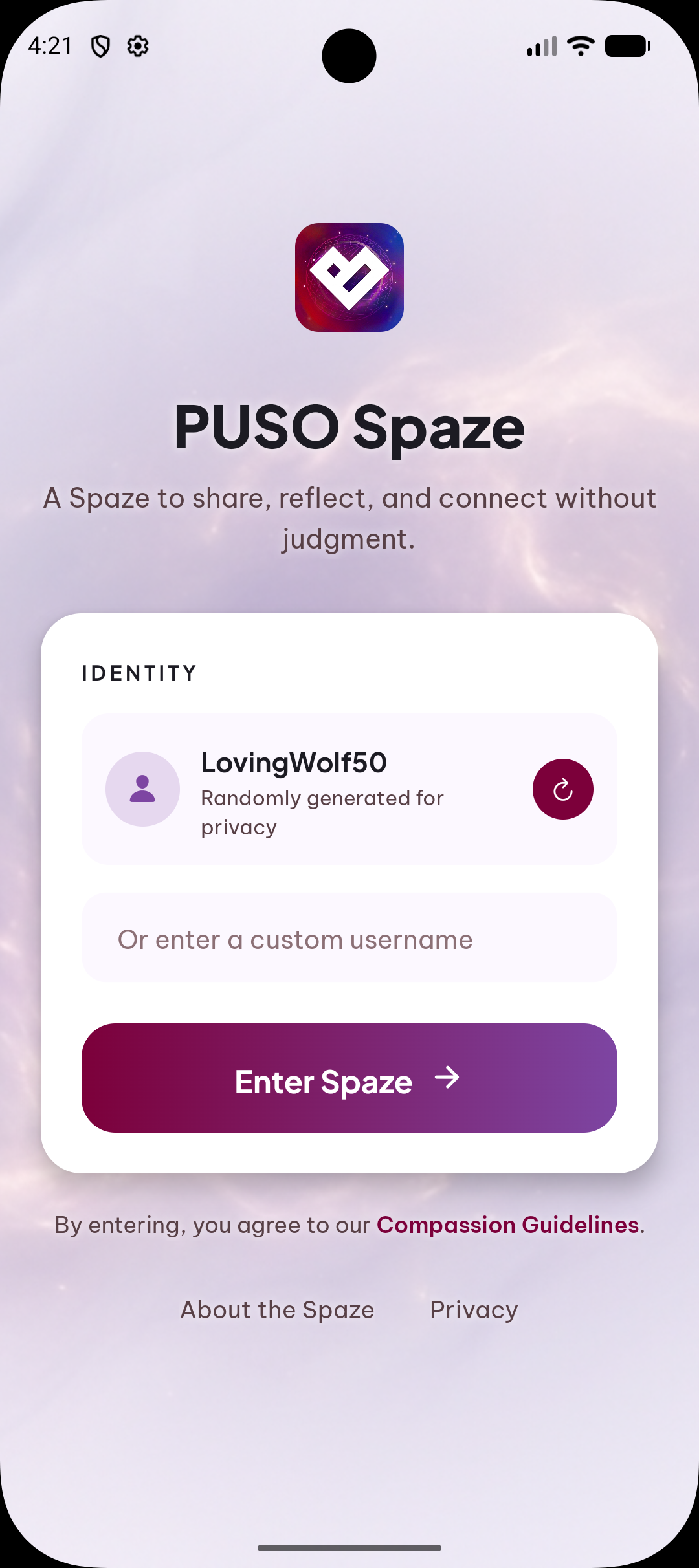
A Sanctuary for Reflection

Your Heart's
Safe Space.

Find hope, share your journey, and connect with a compassionate community through PUSO Spaze — the sacred journal and support network designed for your soul.

Designed for Emotional Sanctuary

We've traded cold clinical interfaces for the warmth of a sacred journal. Every interaction is an invitation to heal.

The Sacred Journal

Capture your most intimate thoughts with daily reflections and intelligent mood tracking. It's more than a diary; it's a mirror for your soul.
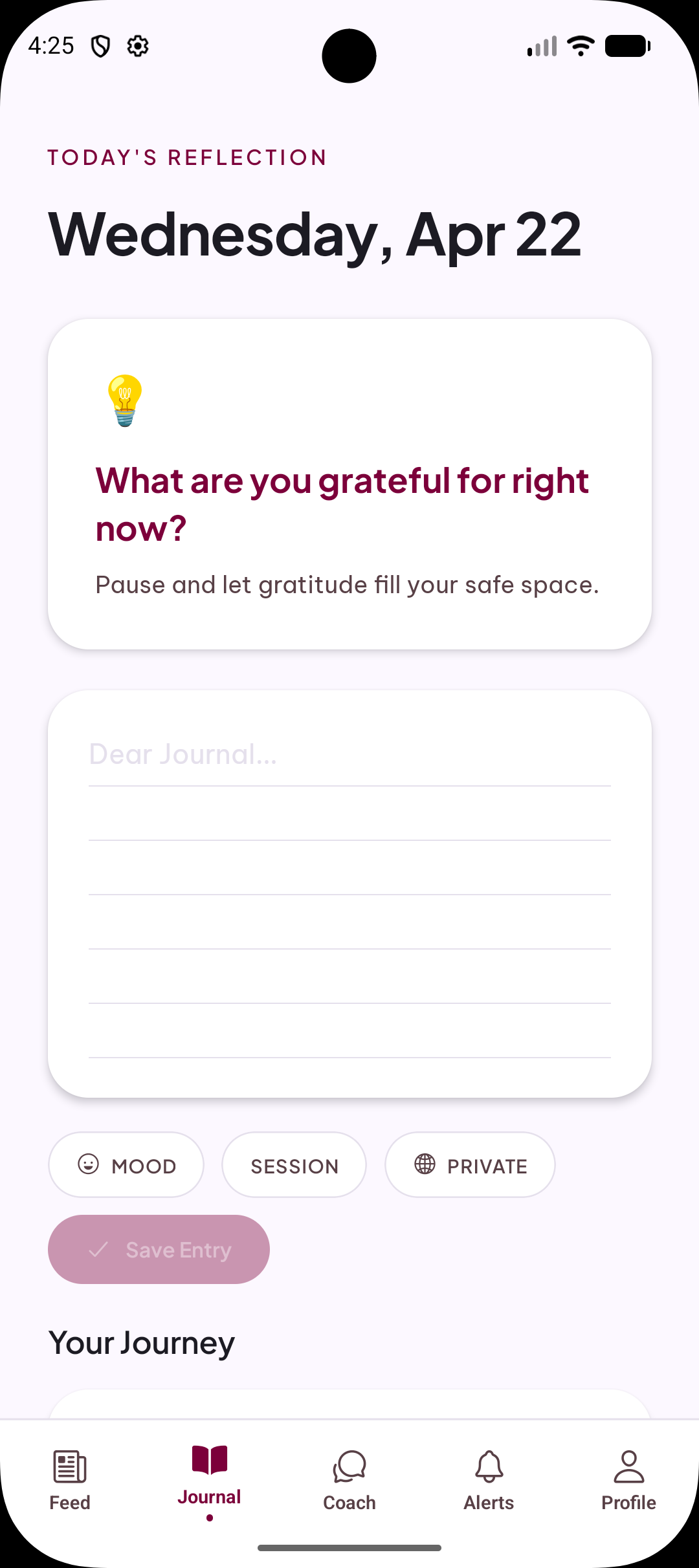
PUSO Spaze journal screen showing daily reflections and mood tracking

Community Feed

Share anonymously and find strength in others. Our AI-driven 'Hourly Hope' provides biblical encouragement tailored to the collective heartbeat of the community.
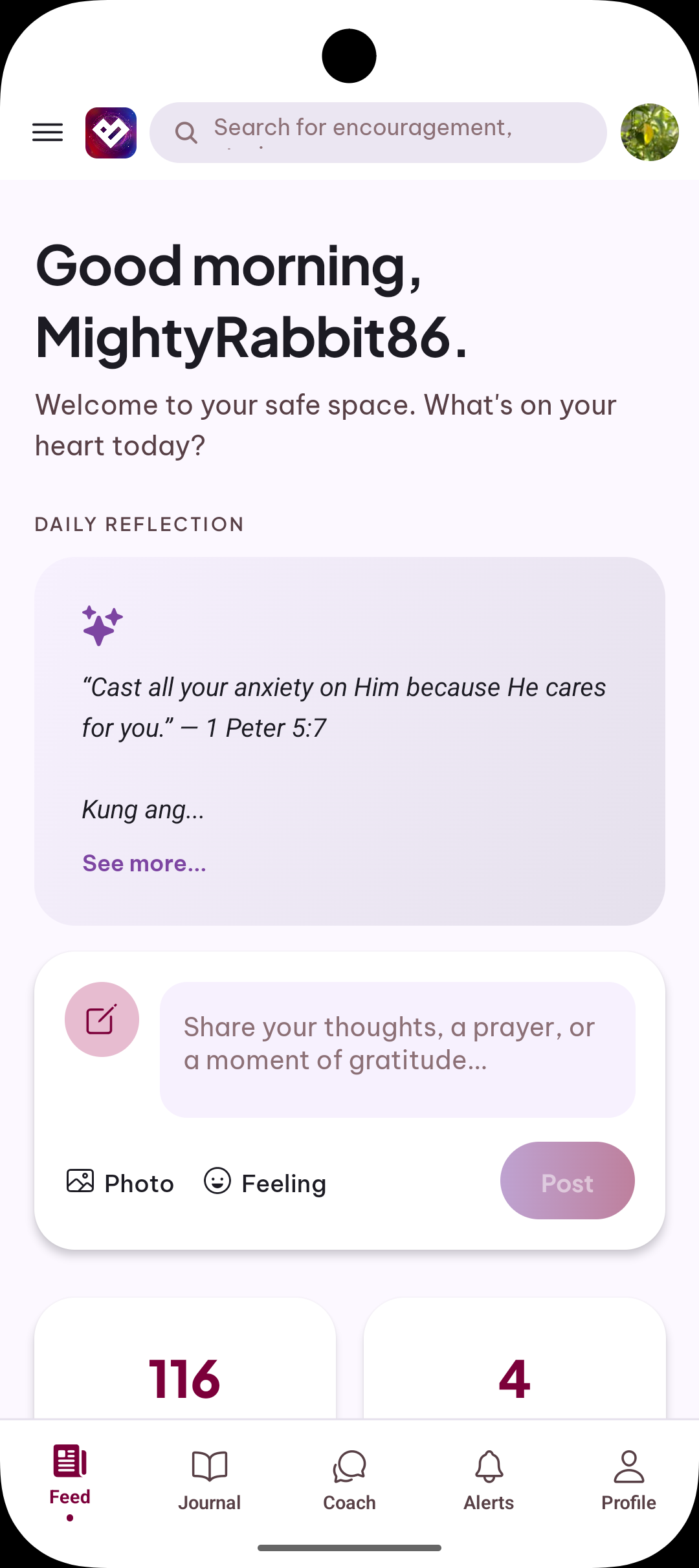
PUSO Spaze community feed showing encouraging posts and daily reflections

Wellness Coach Support

Direct, private access to professional wellness coaches who understand your journey. No judgment, just guidance rooted in compassion and experience.
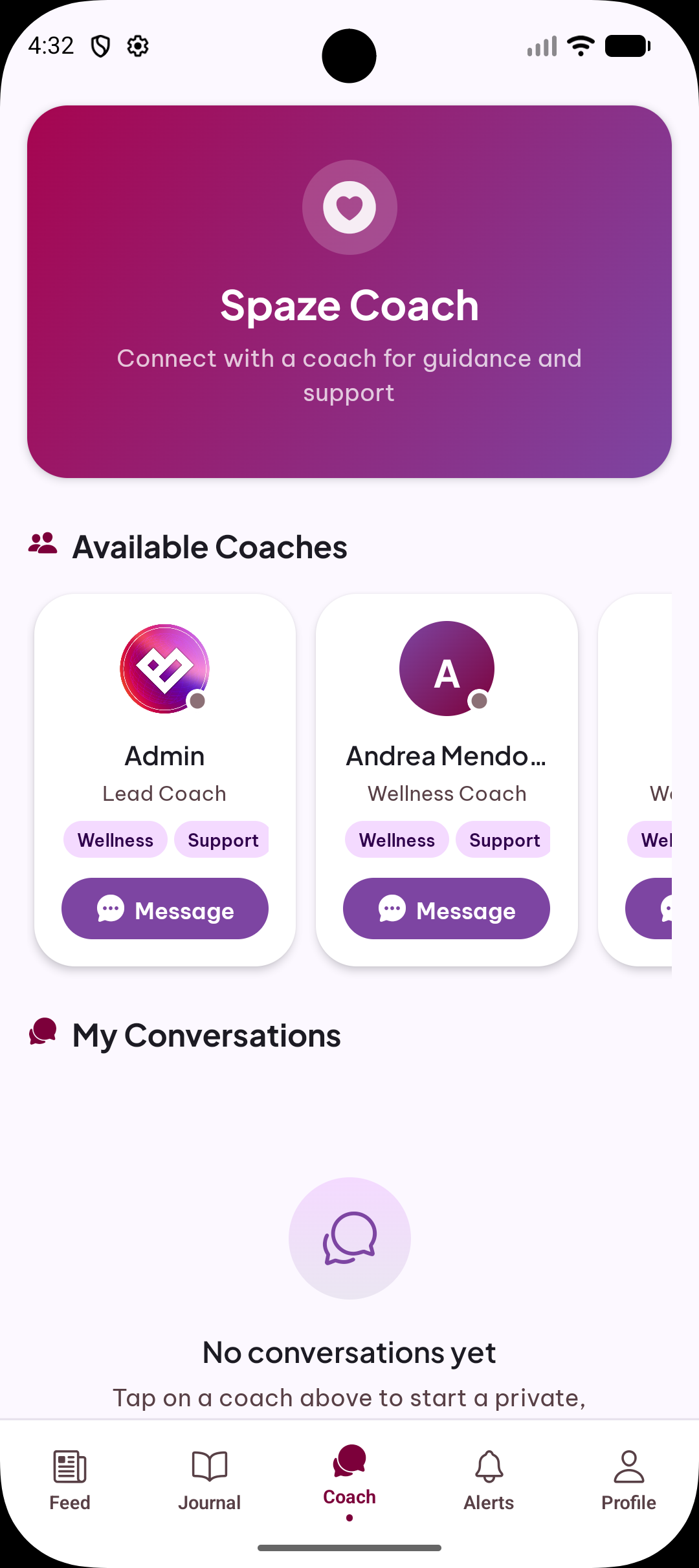
  • 1-on-1 Private Messaging
  • Spiritual & Mental Alignment
  • Crisis Intervention Ready
PUSO Spaze coach screen showing available wellness coaches and messaging

Get PUSO Spaze

Your healing journey starts now — available as a web app today, with native iOS and Android apps coming soon.

Coming Soon
Coming Soon

How to Install the Web App

Add PUSO Spaze to your home screen in seconds — no app store required.

Open Safari Navigate to puso-spaze.org in Safari. Safari is required on iPhone and iPad.
Tap the Share button Tap the Share icon (□↑) at the bottom of the screen (or top on iPad).
Add to Home Screen Scroll down in the share sheet and tap "Add to Home Screen".
Confirm & open Tap "Add" in the top-right corner. PUSO Spaze appears on your home screen like a native app!
Safari is required on iOS/iPadOS. Chrome and other browsers on iPhone or iPad do not support home screen installation.
Open Chrome Navigate to puso-spaze.org in Google Chrome on your Android device.
Tap the menu Tap the three-dot menu icon (⋮) in the top-right corner of Chrome.
Add to Home Screen Tap "Add to Home screen" or "Install app" from the menu.
Confirm & open Tap "Add" or "Install". PUSO Spaze will appear on your home screen!
Google Chrome is recommended for the best PWA experience on Android. Some Android browsers may show an install banner automatically.
Open Chrome or Edge Navigate to puso-spaze.org in Google Chrome or Microsoft Edge.
Click the install icon Look for a computer/install icon (⊕) on the right side of the address bar and click it.
Install the app Click "Install" in the popup. PUSO Spaze opens as its own standalone window!
No install icon? In Chrome, go to Menu (⋮) → "Save and share" → "Install page as app". In Edge, go to Menu (…) → "Apps" → "Install this site as an app".

Start Your Healing
Journey Today.

Join thousands of others finding peace, one reflection at a time. Anonymous, safe, and sacred.